ARIAgames Watch games
New

ARIAmouse

Your Apple Watch becomes a trackpad for Android. Tap to click, slide to move the cursor, swipe the edges to go back or forward. Works with Android phones and smart glasses.
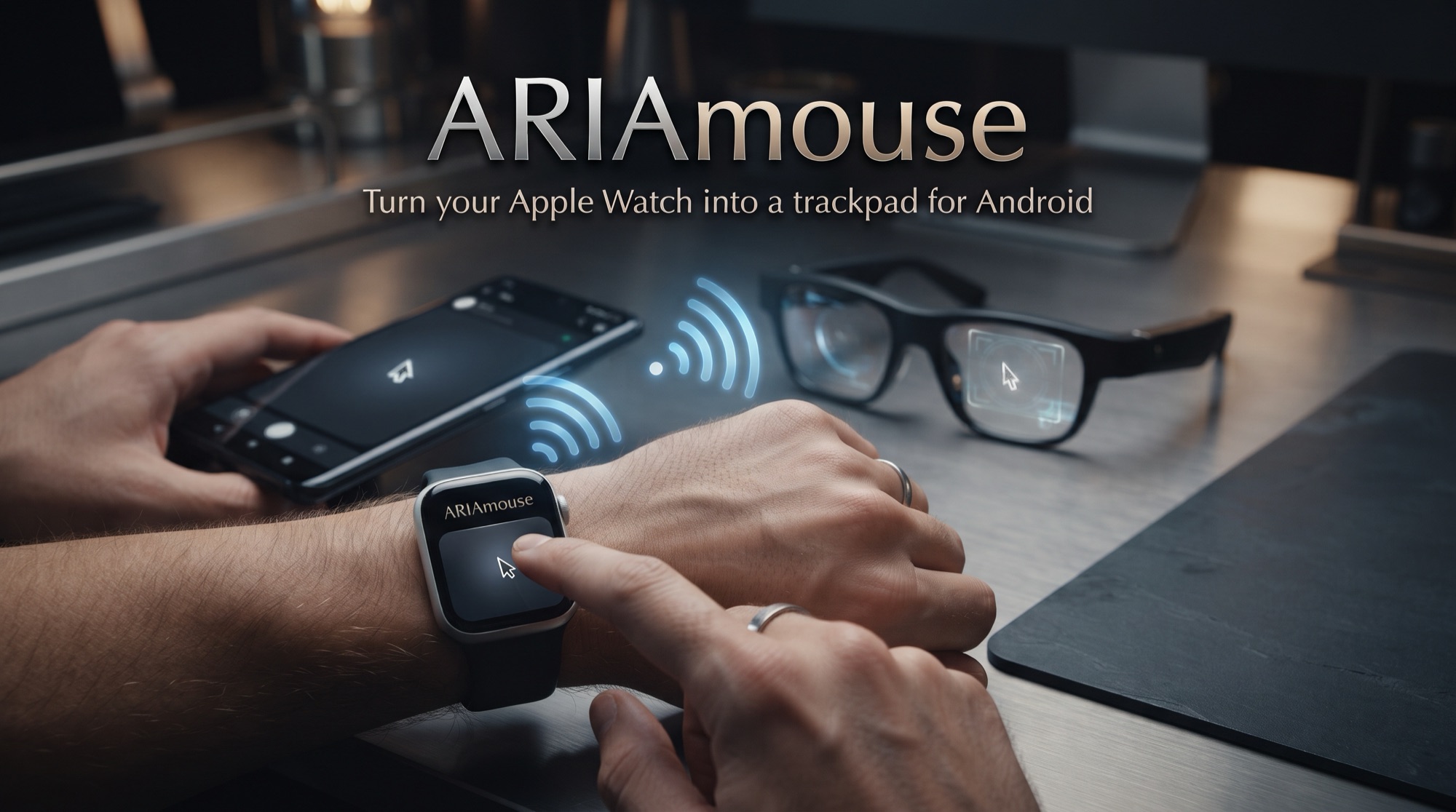
Apple Watch used as a trackpad with a glowing cursor moving on an Android phone and smart glasses over Bluetooth
Apple Watch + Android
Turn your Apple Watch into a trackpad for Android.
TrackpadBluetoothNo account
What you get

One gesture set,
every screen.

☝
Tap to click

1 tap click, 2 taps right-click, 3 taps double-click, hold and move to drag.

⌚
Edge swipes

Swipe the edges for back and forward. Smooth acceleration curve.

◎
Phones and glasses

Android phones and smart glasses (including the Rokid touchpad).

ᛒ
Direct Bluetooth

Watch to Android. No cloud, no relay server.

🔋
Light on battery

Does not log workouts and stops itself after 10 minutes without use.

🔒
Private by design

No accounts, no ads, no tracking, no data collected.

Setup

Ready in a few steps.

Install on AndroidDownload the .apk below, allow installs from this source once, and open ARIAmouse.
Rokid glassesOn your iPhone, tap Download .apk, open it with the Hi Rokid app, which installs the .apk on your glasses straight from the app. Then use the temple touchpad: tap to activate, swipe to switch, 3 taps from any app to open ARIAmouse.
Install the Apple Watch appARIAmouse for Apple Watch (App Store, or TestFlight while it is in review).
Pair and usePick your Android device on the Watch. Tap and slide on the screen.
Get it

Pick your device.

Available now

Android

Android app v1.3.2 · 6 MB · free. Needs Android 8 or later with Bluetooth.

Download .apk
Available now

Rokid glasses

Same .apk. Download it on your iPhone and open it with the Hi Rokid app: it installs the .apk on your glasses straight from the app.

Download .apk
Available now

macOS

ARIAmouse for Mac v1.0 · Free · macOS 13 Ventura or later. Open the disk image and drag ARIAmouse to Applications. It runs quietly in the menu bar.

Download for macOS
App Store

Apple Watch

US$1.99 on the App Store for Apple Watch.

Coming to the App Store
Verify your download. SHA-256 (Android .apk): d4734877f18adadcb16410d1d0ebad80fbd2a260ae840dea772c47db70b5af3c
SHA-256 (macOS .dmg): 60adc84a6f0465d44899e71e447360249f98aeda5d3084a73e584374b35a0f90
Signing certificate: CN=ARIAgames. SHA-256 starts with 8e8d3db8. If it doesn't match, don't install it. If you installed an earlier test build, uninstall it first (the signing key changed).
Privacy. ARIAmouse collects no data: no accounts, ads, analytics or tracking. Gestures from the Watch go directly to your Android device over Bluetooth and are never stored or sent anywhere else. Bluetooth permissions are used only to connect your Watch. Notifications are used only for the "connected" notice while the service runs.
Accessibility service (Android). The optional accessibility service is used only to perform the pointer, click, scroll and back/forward actions you make on the Watch, and to relaunch ARIAmouse from a glasses gesture. To place your clicks and scrolls it momentarily reads the layout of what is on screen (for example, which button is under the cursor); that is used only at that moment on your device and is never recorded, stored or transmitted. It also watches key events only to detect the glasses touchpad triple-tap that relaunches ARIAmouse; keys are not stored, logged or sent anywhere. You can turn it off any time in Android Settings.
Open-source notices. Kotlin © JetBrains and Jetpack Compose © Google (Apache License 2.0). ARIAmouse dongle firmware: NimBLE-Arduino © h2zero and contributors (Apache License 2.0), Arduino core for ESP32 © Espressif Systems (LGPL 2.1 / Apache 2.0).
ARIAmouse is an independent product of ARIAgames. Apple, Apple Watch, Android and Rokid are trademarks of their respective owners; this app is not an official product of, nor endorsed by, any of them.
© 2026 ARIAgames · Independent apps made in Chile · Privacy · Support